
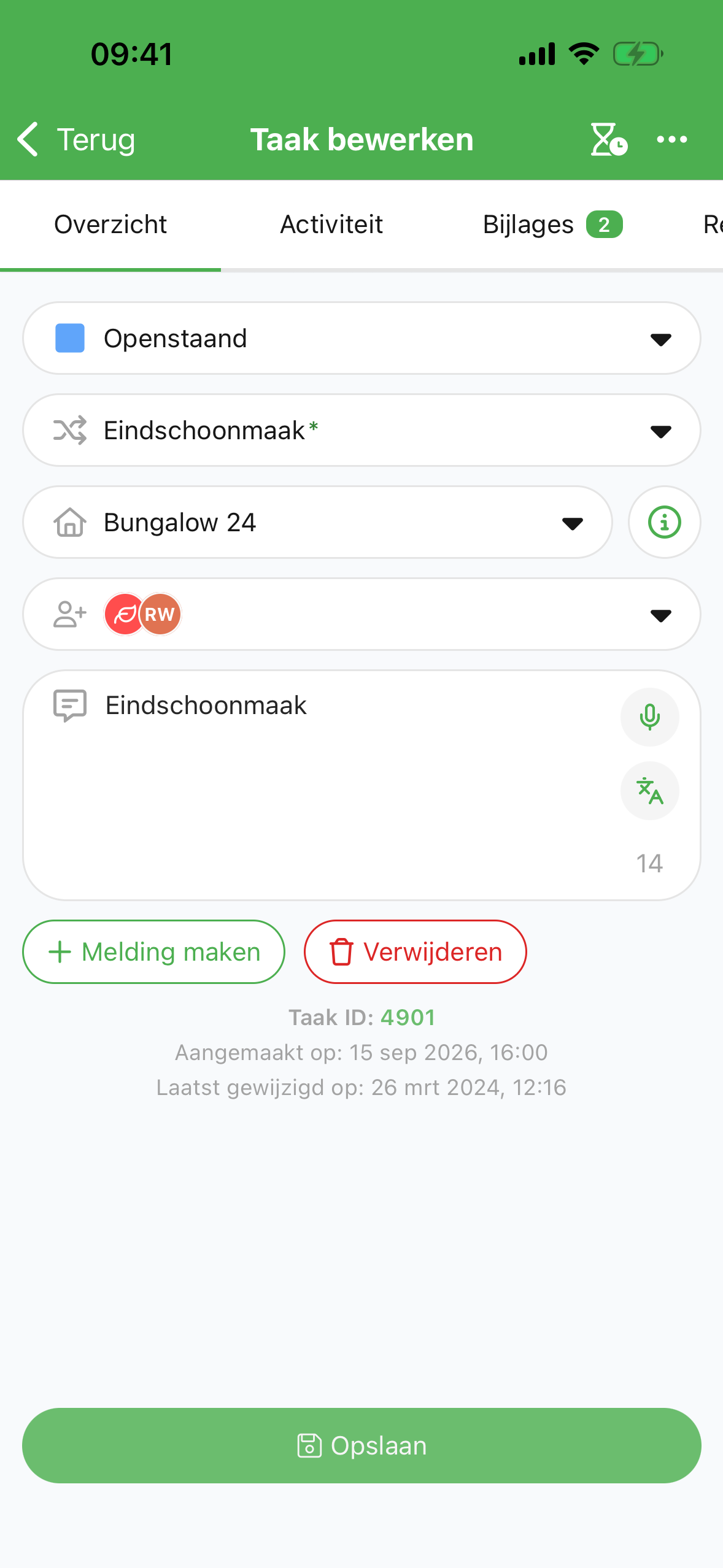
With the Verbleif app we work efficiently, because all tasks can be clearly described and well distributed.

Ellen HamhuisZandstuve
How it works
Sanne completes an available task in a spot with poor signal. Her change is kept on the device.
Offline data
Bungalow 24 - 1x Final cleaning
AvailableSanne views the task and the information already available on her device.
Queue
Bungalow 24 - 1x Final cleaning
OfflineWithout a connection, she updates the task. The app keeps the change on her device.
Queue
Bungalow 24 - 1x Final cleaning
CompletedAs soon as there is a connection again, the changes are synced. After that, colleagues see the updated information.
Without a connection, new data from other users cannot be retrieved yet.
Everything with the task
Add a photo, read the notes and coordinate through the messages on the task. That way a colleague does not have to dig through separate conversations to find what was agreed.
Tasks per object
Bungalow 24 - 1x Final cleaning
Today 12:00Bungalow 24 - 1x Extra bed linen
Queue
Bungalow 24 1x Final cleaning
OfflineChalet 07 1x Interim cleaning
CompletedCustomer experience
With the Verbleif app we work efficiently, because all tasks can be clearly described and well distributed.